How Marima helps tenants
Marima helps tenants discover available rental units without moving from one street to another blindly. You can browse listings, compare prices, view photos, check locations, and contact the property owner or manager directly.
Search by location
Choose your current location, town, estate, street, or locality and see available rentals in that area.
Filter by rental type
Find bedsitters, apartments, houses, shops, offices, and other rental spaces based on what you need.
Compare before calling
Check prices, photos, descriptions, available units, and location details before contacting the landlord.
Contact directly
Call, SMS, WhatsApp, chat, get directions, share listings, or save properties to your wishlist.
How to get started
Start your house hunting journey with Marima in a few simple steps. Download the app, verify your phone number, and allow location access so Marima can show rentals around you.
Download the Marima Tenant App
Search for Marima on the Play Store or use the download link on our website. The app helps you find bedsitters, apartments, houses, shops, offices, and other rental spaces near you.
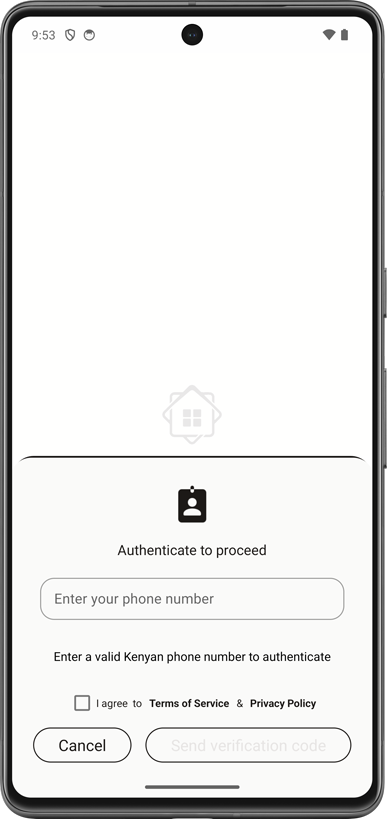
Verify your Kenyan phone number
Enter an active Kenyan phone number and confirm the verification code sent by SMS. If you do not receive the code, confirm that service or promotional SMS messages are enabled on your line.
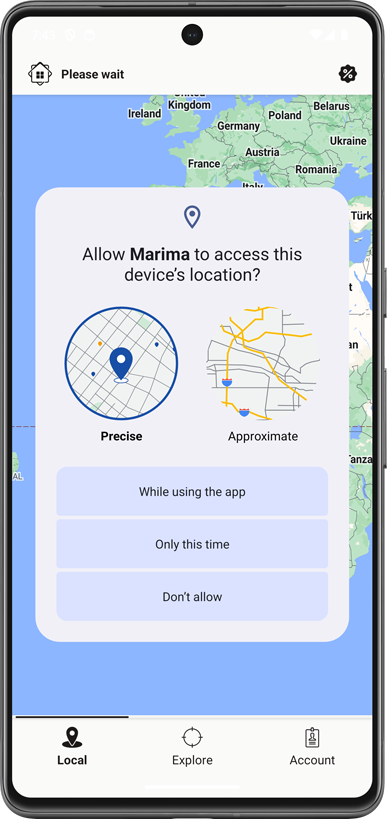
Allow location access
Marima uses your location to show available rentals around your current area. This makes it easier to discover vacant units near you without guessing where to search.
How to find rentals in a specific location
You can search beyond your current location by choosing the area you want. Select a county, town, estate, street, or locality, then view available rentals in that area.
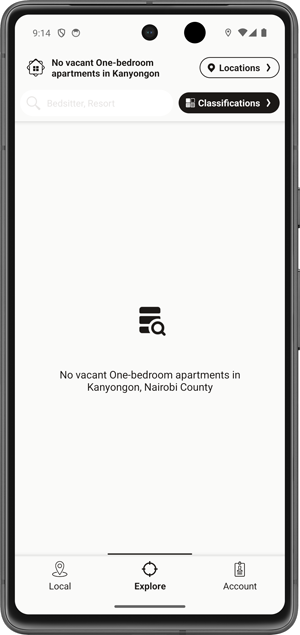
Open the location selector
Tap the location option in the app to change where you want to search. This is useful when you are moving to another town, estate, or neighbourhood.
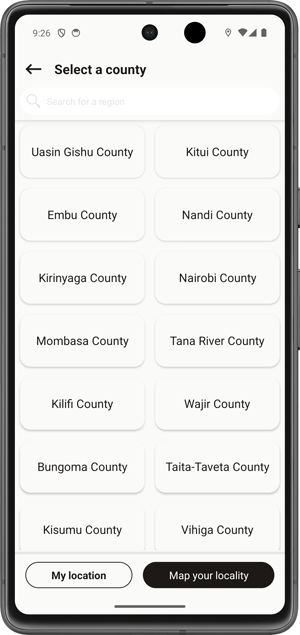
Choose the main area
Select the county or region where you want to find a rental. Marima will narrow the results to the selected area so you can focus on relevant listings.
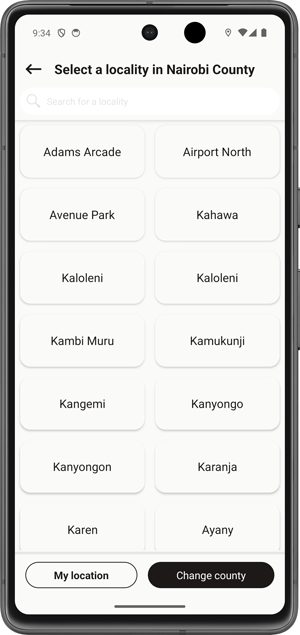
Select the town, estate, or street
Choose the specific locality you are interested in. Marima will then show available rentals listed within that selected location.
How to find the rental type you want
Marima helps you move from a broad search to the exact type of rental you need. For example, you can choose residential rentals, select apartments, then narrow down to bedsitters or one-bedroom units.
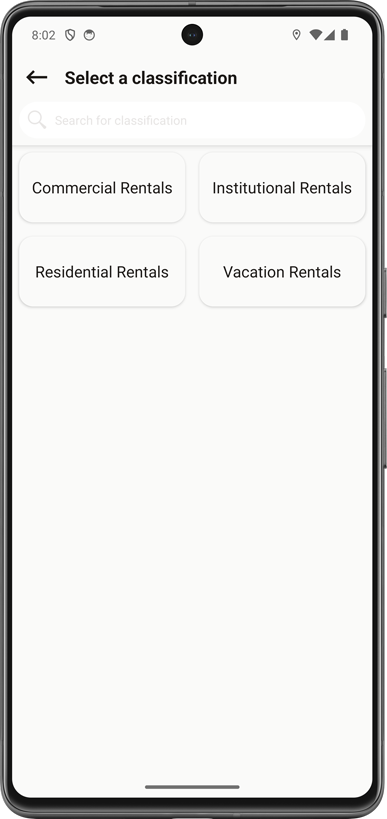
Choose a rental classification
Start with the main rental classification such as residential, commercial, or other available property groups. This helps Marima organize the results correctly.
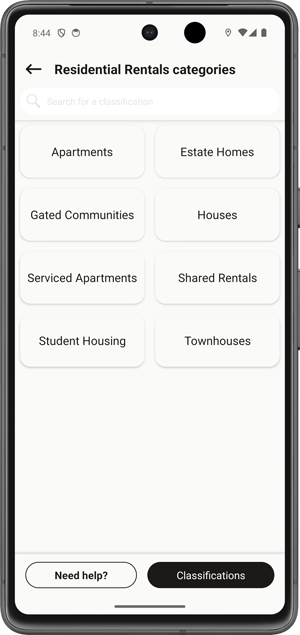
Select a property category
Choose the category that matches what you are looking for, such as apartments, houses, shops, offices, or other listed property categories.
Pick the rental type
Narrow your search further by selecting the rental type, such as bedsitter, studio, one-bedroom, two-bedroom, shop, office space, or any other available type.
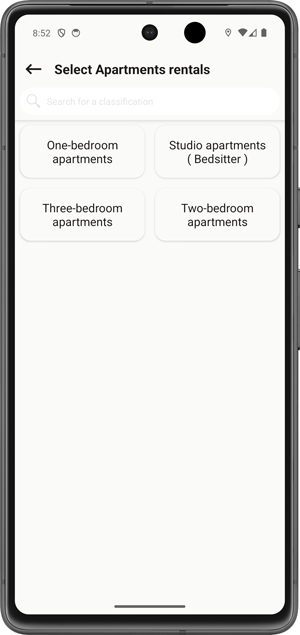
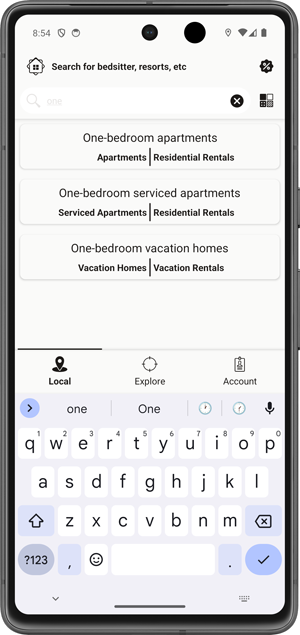
Use search when you already know what you want
Use the search bar to quickly look for a specific rental. You can search using words like bedsitter, one bedroom, shop, office, or the name of an area.
How to choose and contact a landlord
Once you find a property you like, open it to compare details, photos, location, pricing, and available units. Then contact the landlord or manager directly from the app.
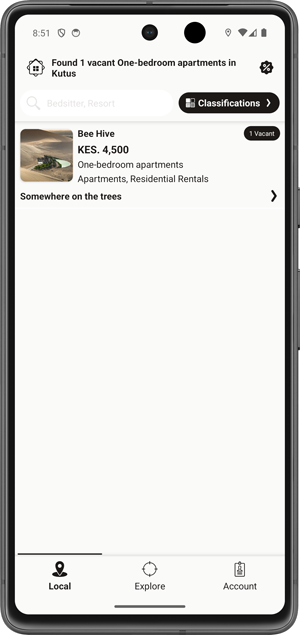
Compare available properties
Browse property cards showing available units, rental ranges, photos, and location details. Open any property that matches what you are looking for.
View property details
Check the property photos, description, address, amenities, landlord or manager contact details, and location information before making a decision.
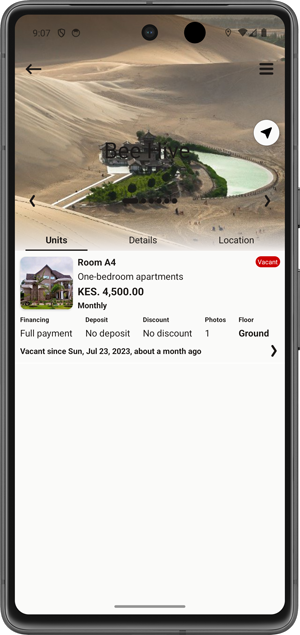
Review available units
Open the available units inside the property and compare unit photos, rental prices, descriptions, and other details to choose the best option.
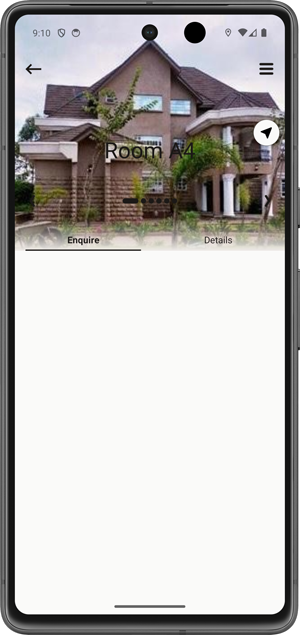
Contact, navigate, share, or save
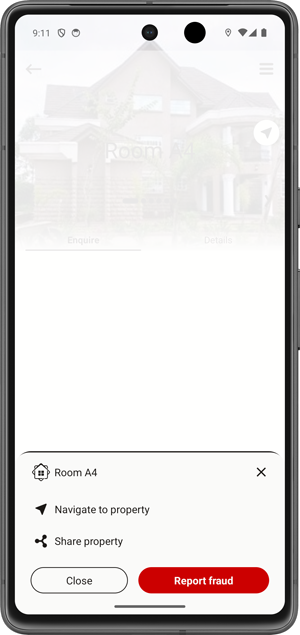
Use the available actions to call, SMS, WhatsApp, chat, get directions, share the listing, or save the property or unit to your wishlist for later.
Need help using Marima?
If you need help finding rentals, changing your location, choosing a rental type, or contacting a landlord, our support team is ready to assist. We want your house hunting experience to be simple, direct, and reliable.